Roblox Game
Joining the Game
Here's everything that happens when you load into Ai Tycoon for the first time.
Your Plot
Upon joining you are automatically assigned a plot— a dedicated area of land where you'll build your data centre. Your plot is exclusively yours; other players cannot build on it.
First Steps
1
Open the Inventory GUI
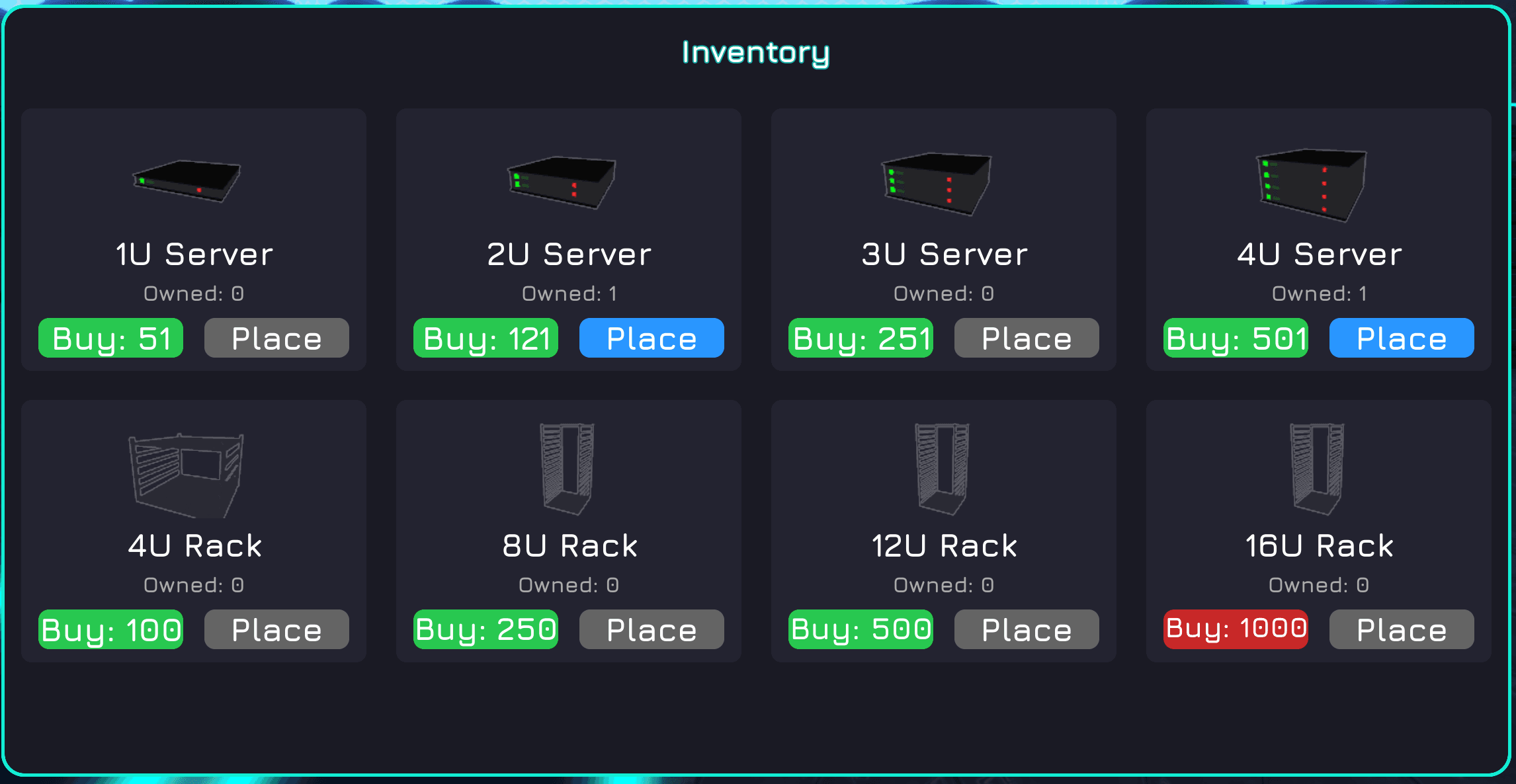
Press the inventory button on screen (or the keybind shown in-game) to open the shop panel.
2
Buy a Rack
Purchase a server rack from the inventory. Racks are the physical enclosures that hold your servers.
3
Buy a Server
Purchase at least one server from the inventory. Servers are the hardware units that generate tokens.
4
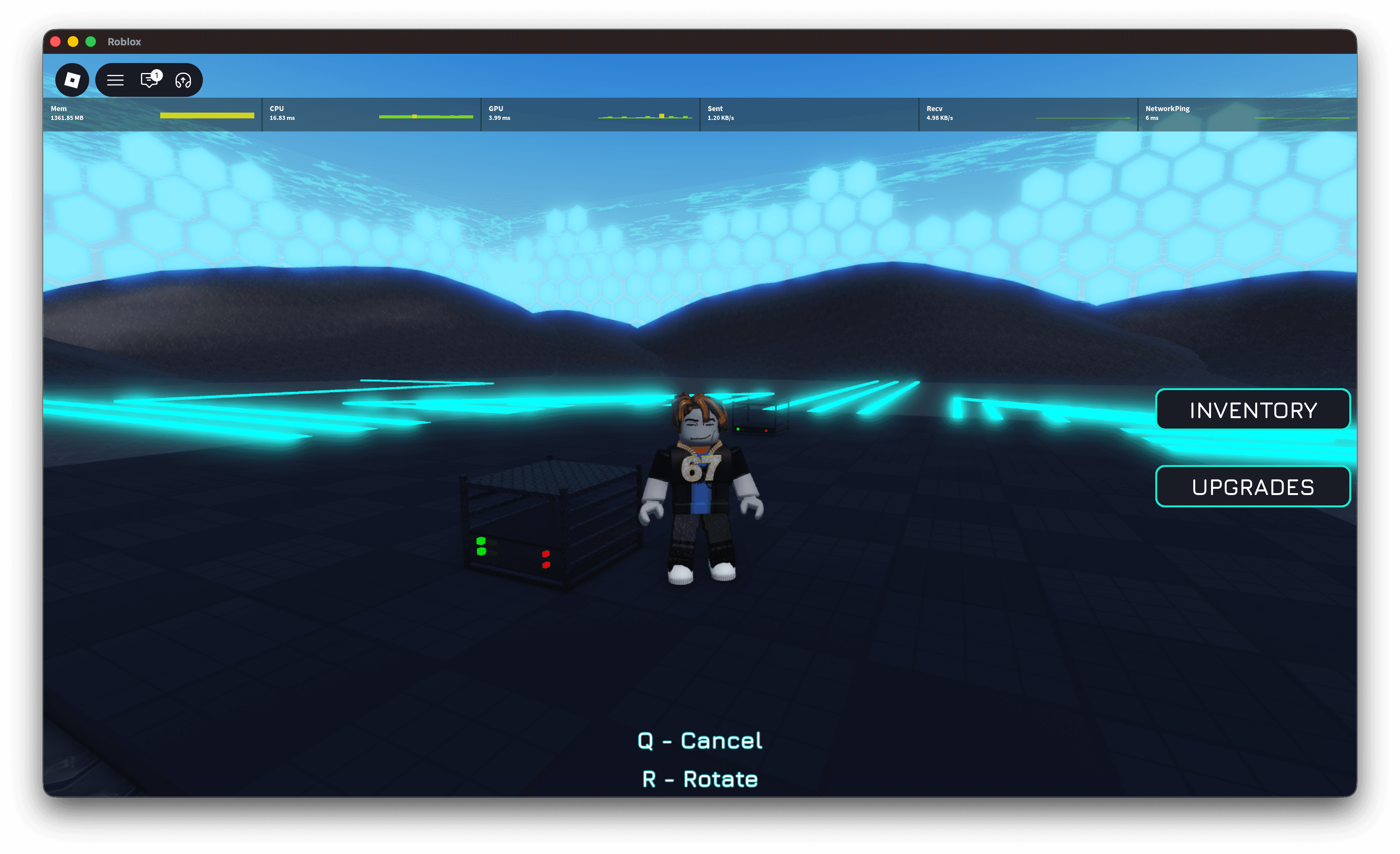
Place the Rack
Use the placement tool to position the rack anywhere on your plot and confirm.
5
Slot the Server
Walk up to your placed rack, interact with it, then slot your server inside. Once installed the server begins mining tokens immediately.
Once your first server is running your token balance will increase passively. Use those tokens to expand by adding more racks and servers.