Roblox Game
Upgrades
Upgrades multiply your token income without requiring extra hardware. They are purchased through the Inventory GUI and apply globally to your entire operation instantly.
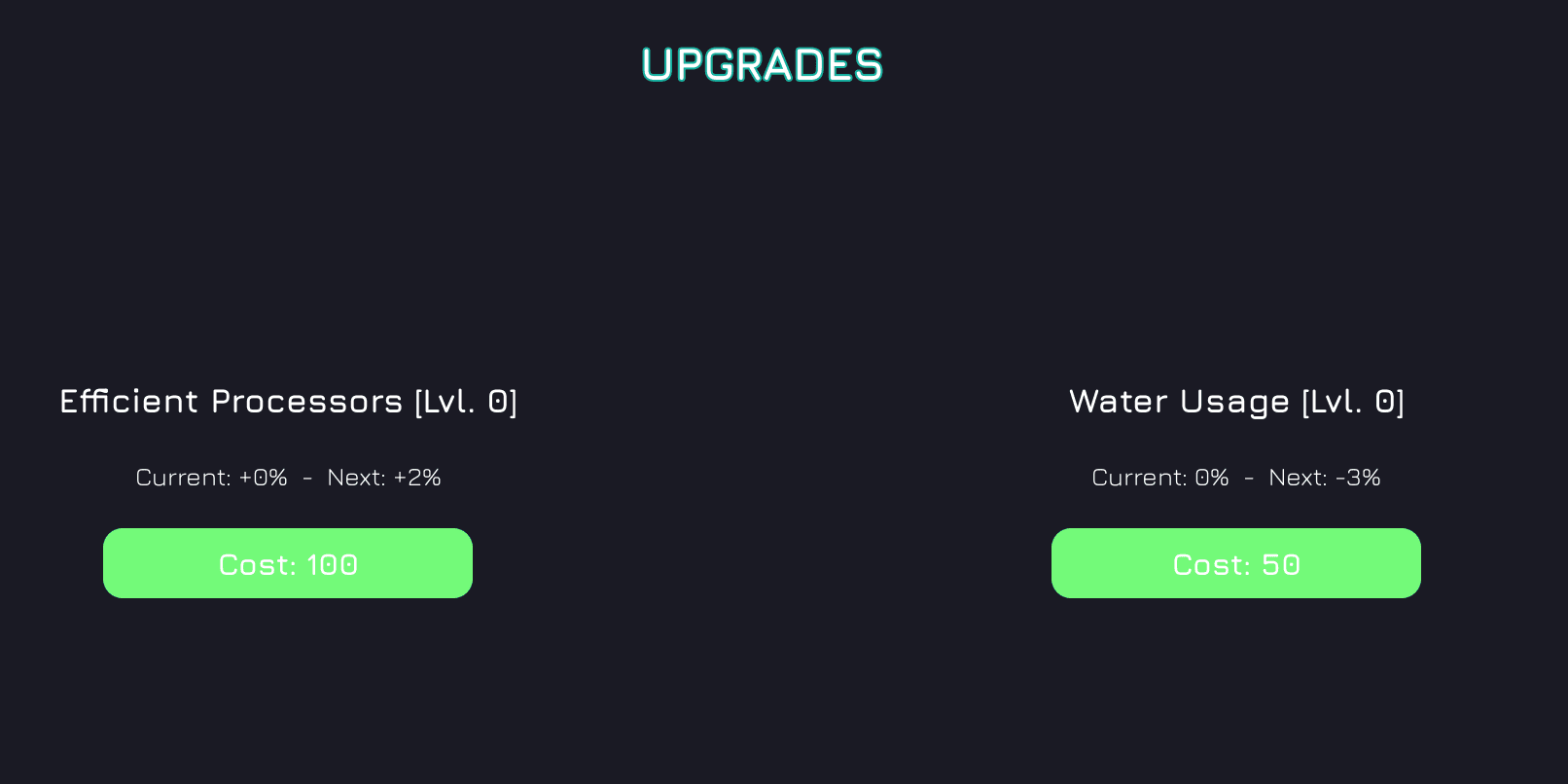
Available Upgrades
Efficient Processors
ProcessingOptimises your servers' CPU pipelines to extract more token output from the same hardware. Each level adds a flat +2% to your income multiplier, so the bonus grows linearly forever — but the cost climbs steeply at +35% per level.
effect = level × 2%        (bonus to multiplier)
cost = 100 × 1.35^level (next level price)| Level | Income Bonus | Cost to Reach |
|---|---|---|
| 1 | +2% | 100 Tokens |
| 2 | +4% | 135 Tokens |
| 3 | +6% | 182 Tokens |
| 5 | +10% | 332 Tokens |
| 10 | +20% | 1,489 Tokens |
Water Usage
CoolingInstalls a water cooling loop across your racks, keeping servers at optimal temperature so they run at higher sustained speeds. Unlike Efficient Processors, this upgrade follows a diminishing curve — each level gives less than the last, approaching (but never reaching) a maximum of +100%.
effect = 100% × level ÷ (level + 25)   (bonus to multiplier)
cost = 50 × 1.3^level (next level price)| Level | Income Bonus | Cost to Reach |
|---|---|---|
| 1 | +3.8% | 50 Tokens |
| 5 | +16.7% | 142 Tokens |
| 10 | +28.6% | 530 Tokens |
| 25 | +50.0% | 27,140 Tokens |
| 75 | +75.0% | — (very steep) |
The curve speed of 25 means you hit roughly +50% at level 25 and +75% at level 75 — the last few percent become extremely expensive to chase.
How to Purchase
Open the Inventory GUI
Navigate to Upgrades
Confirm Purchase