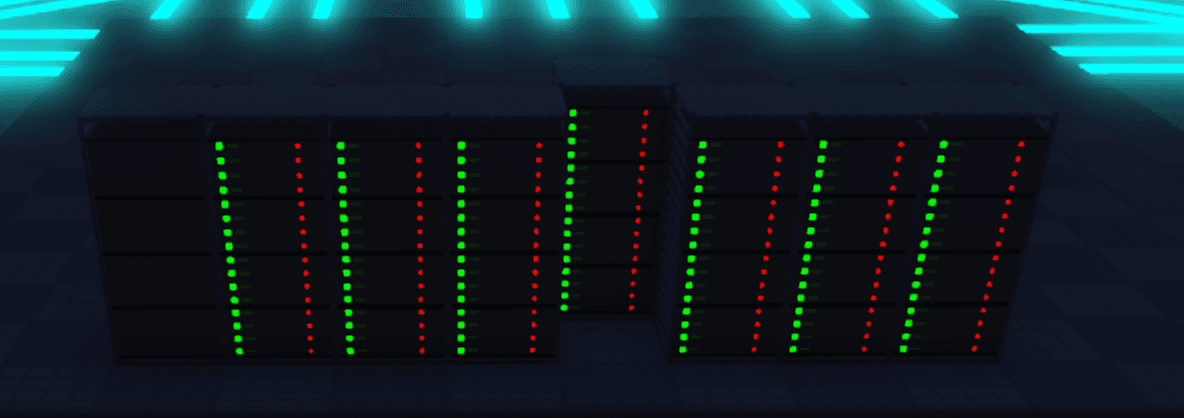
Roblox Game
Servers & Racks
Racks and servers are the backbone of your data centre. Understanding how to set them up efficiently is key to maximising your token income.
Racks
A rack is a cabinet that holds multiple servers. You need at least one rack placed on your plot before any servers can run.
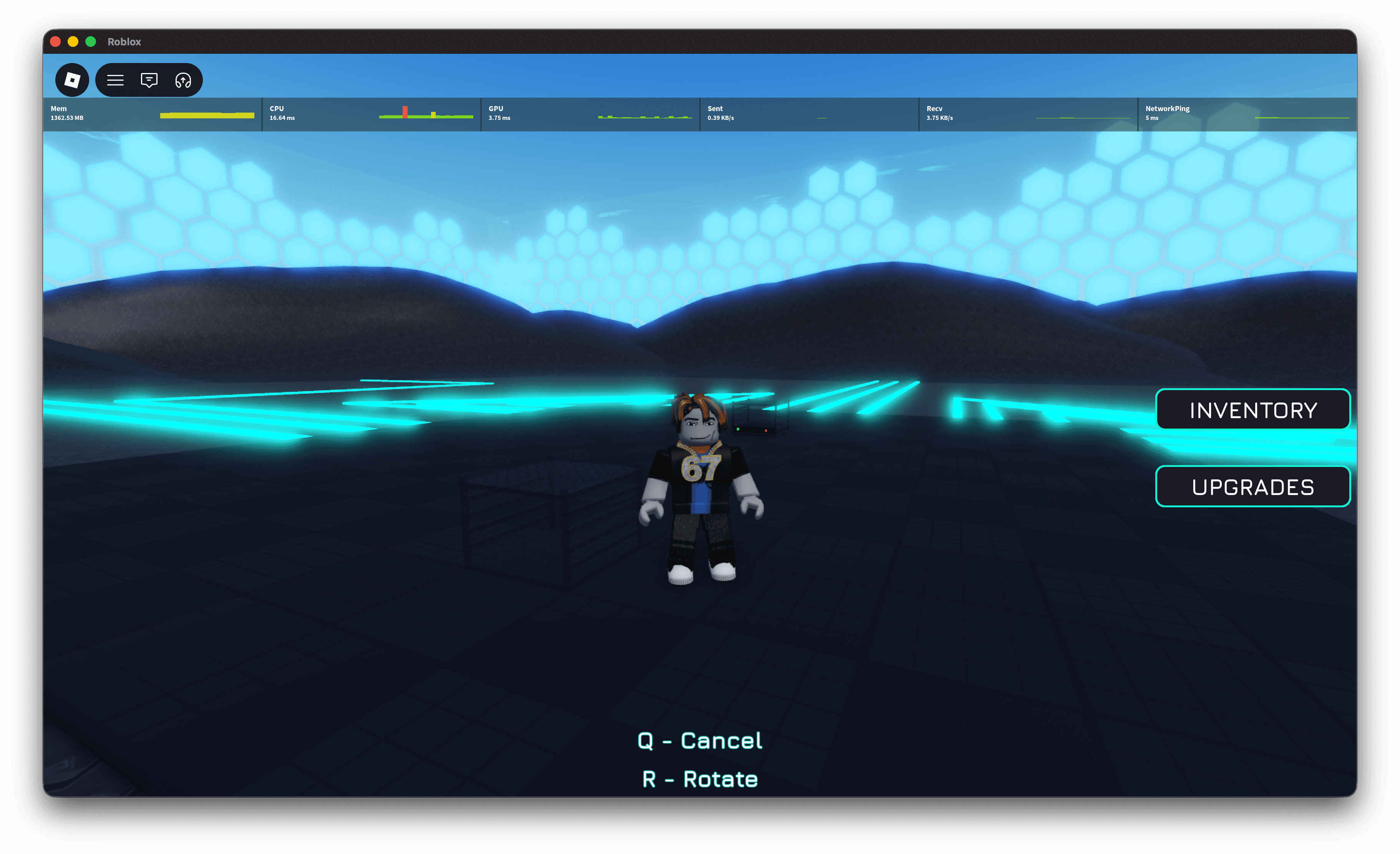
To place a rack:
- Open the Inventory GUI.
- Select the rack item.
- Move your cursor to the desired spot on your plot.
- Press R to rotate the rack or Q to cancel.
- Click to confirm placement.
Rack Sizes & Capacity
Every rack has a fixed capacity measured in U(rack units). Servers also have a U size, and the combined U size of the servers you slot in cannot exceed the rack's capacity. Bigger racks cost more but hold far more hardware.
| Rack | Capacity | Cost | Max 1U Servers | Max 4U Servers |
|---|---|---|---|---|
| 4U Rack | 4U | 100 Tokens | 4 | 1 |
| 8U Rack | 8U | 250 Tokens | 8 | 2 |
| 12U Rack | 12U | 500 Tokens | 12 | 3 |
| 16U Rack | 16U | 1,000 Tokens | 16 | 4 |
Servers
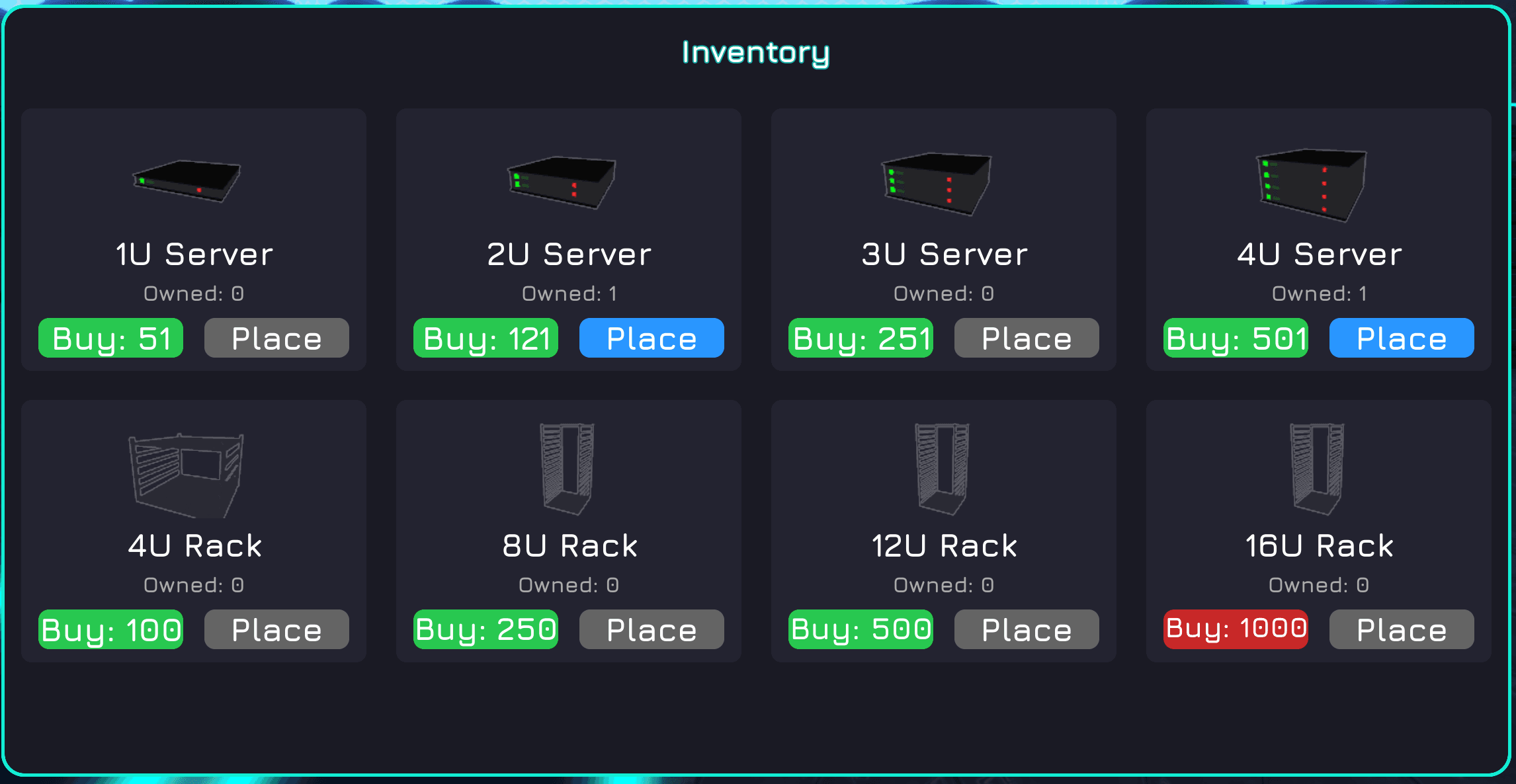
A server is the unit that generates tokens. Different server types have different token generation rates — higher-tier servers cost more and take up more U, but earn significantly more per cycle.
Base Income Rates
Income is distributed every 5 seconds (one cycle). Each server adds a flat base rate to your income every cycle. The table below shows what each server type earns before any upgrades or capacity effects are applied.
| Server | U Size | Cost | Per Cycle (5s) | Per Minute |
|---|---|---|---|---|
| 1U Server | 1U | 50 Tokens | 1 Token | 12 Tokens |
| 2U Server | 2U | 120 Tokens | 2.5 Tokens | 30 Tokens |
| 3U Server | 3U | 250 Tokens | 4 Tokens | 48 Tokens |
| 4U Server | 4U | 500 Tokens | 6 Tokens | 72 Tokens |
To install a server into a rack:
- Purchase a server from the Inventory GUI.
- Walk up to a placed rack and interact with it.
- Select an empty slot and confirm the installation.
Scaling Up
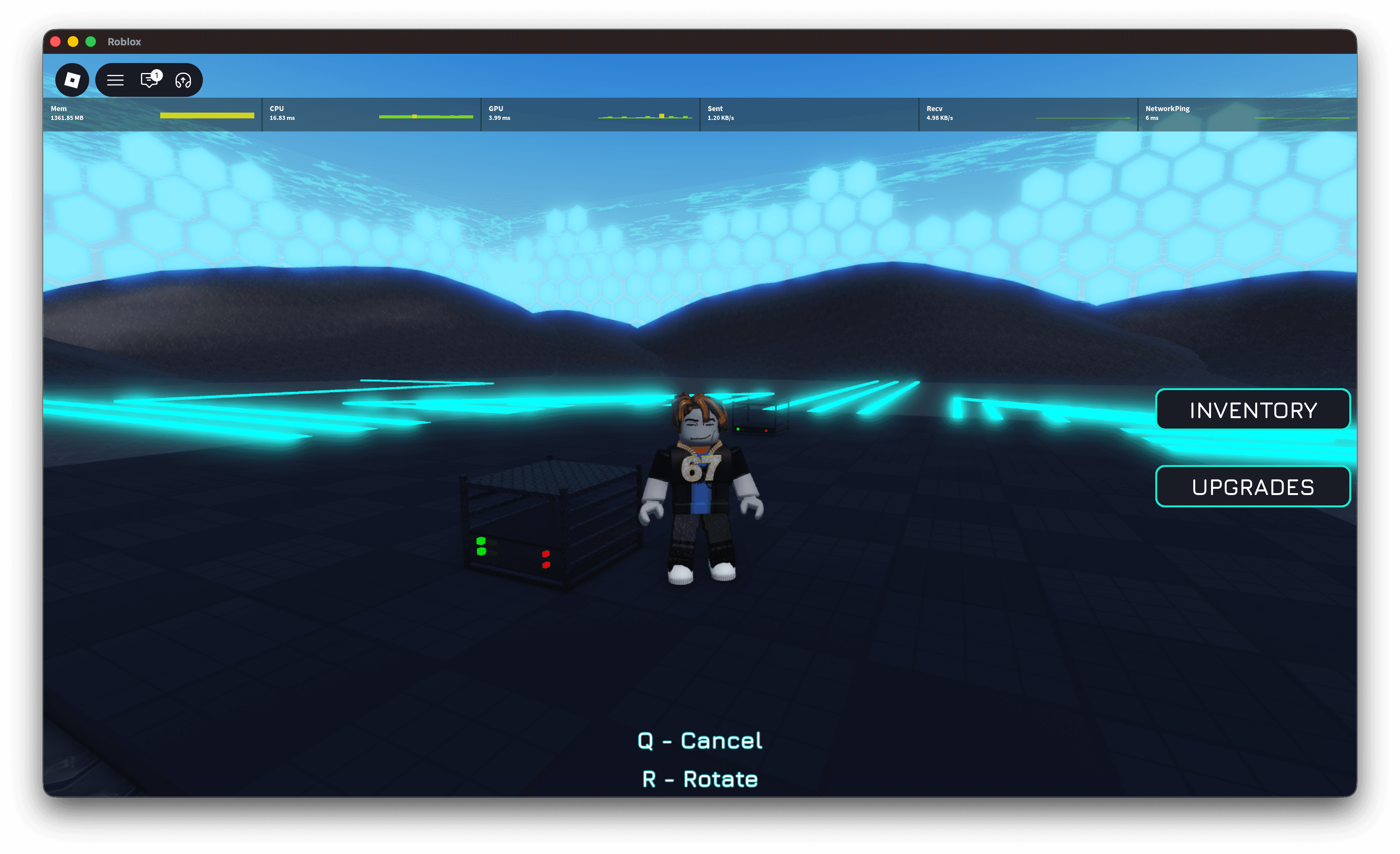
There is no hard cap on the number of racks you can place (within your plot boundaries). Keep adding racks and servers as your balance grows to scale your earnings exponentially.